
Once you have digitally signed your Advance Directive, you will be able to collect your witness signatures from witnesses present with you by following the below steps:
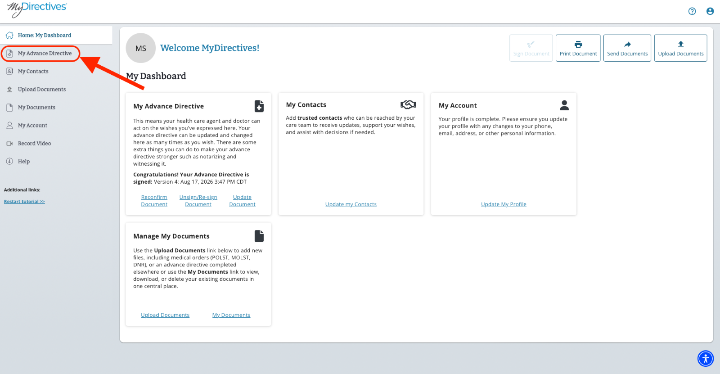
Starting in your dashboard, click on the My Advance Directive button on the left-hand side of your screen.
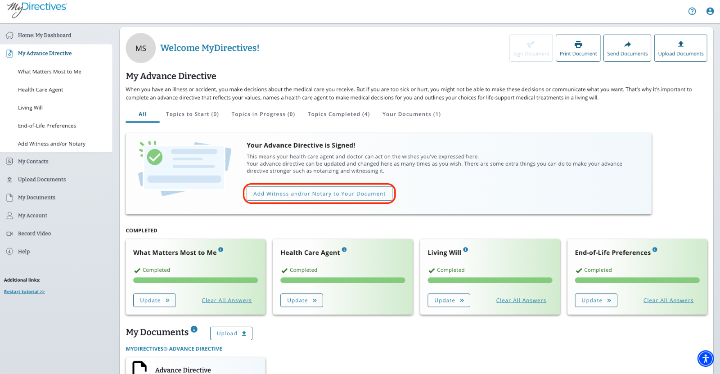
On the My Advance Directive page, click on the Add Witness and/or Notary to your Document button to be taken to the Witness/Notary page.
Since we are collecting witness signatures on your screen, click the blue Click to Enter Witness Details button. 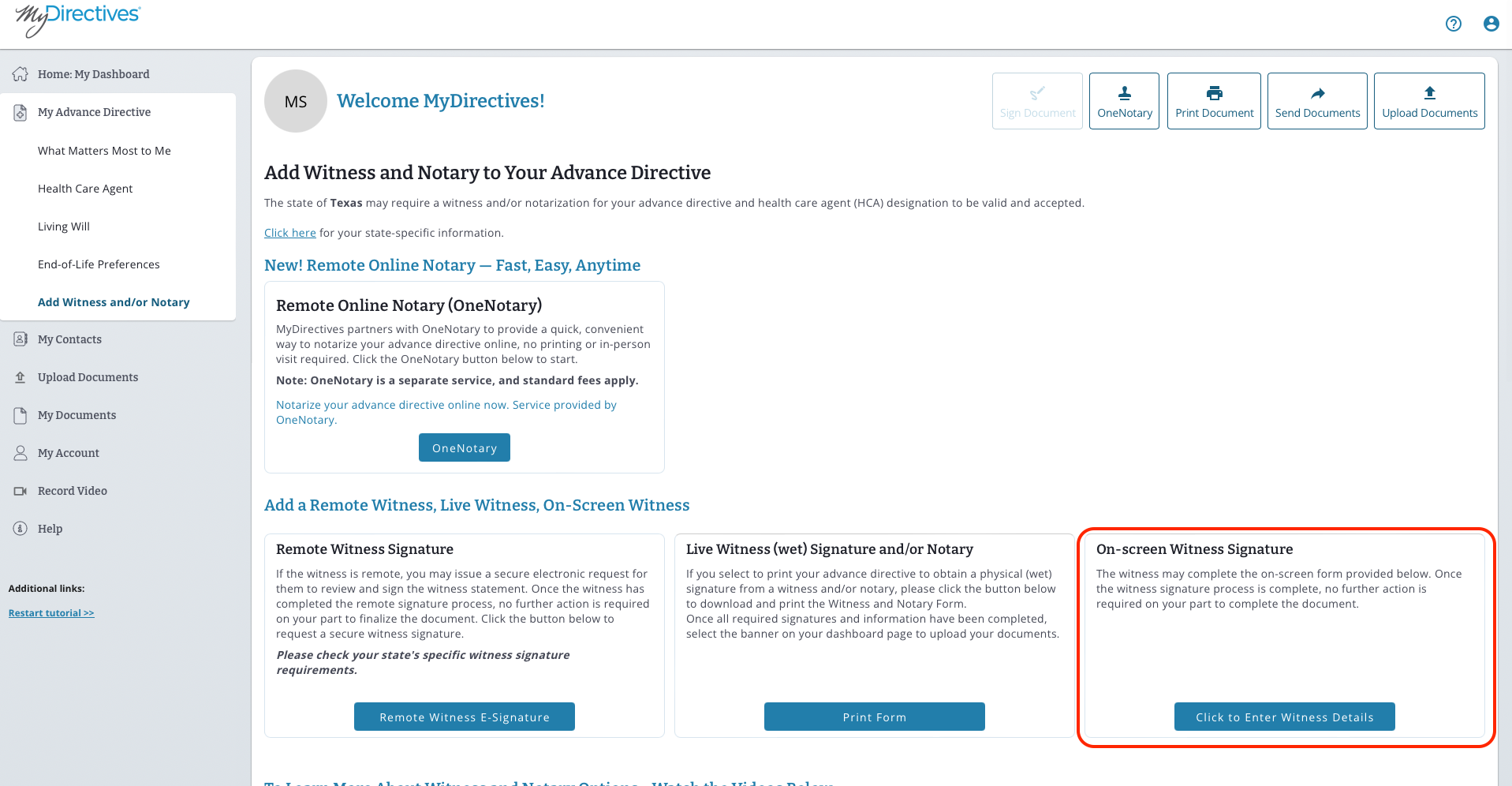
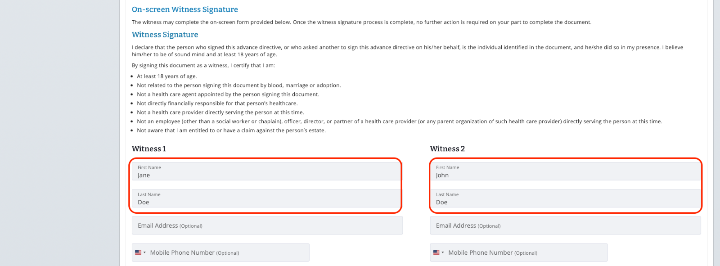
Note – As your witnesses are signing in your presence, the only information that is required to provide is their name and signature. We strongly recommend adding contact information as well in the event your witness(es) need to be reached.
Enter the information for your witness(es) and have them sign on your screen by typing or drawing.
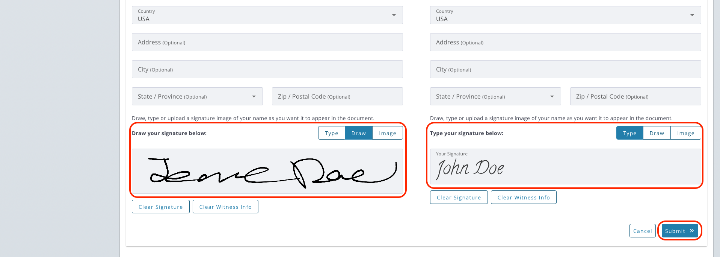
Click the blue Submit button to have their signatures reflected on your Advance Directive.